
UPSSSC Photo Resizer

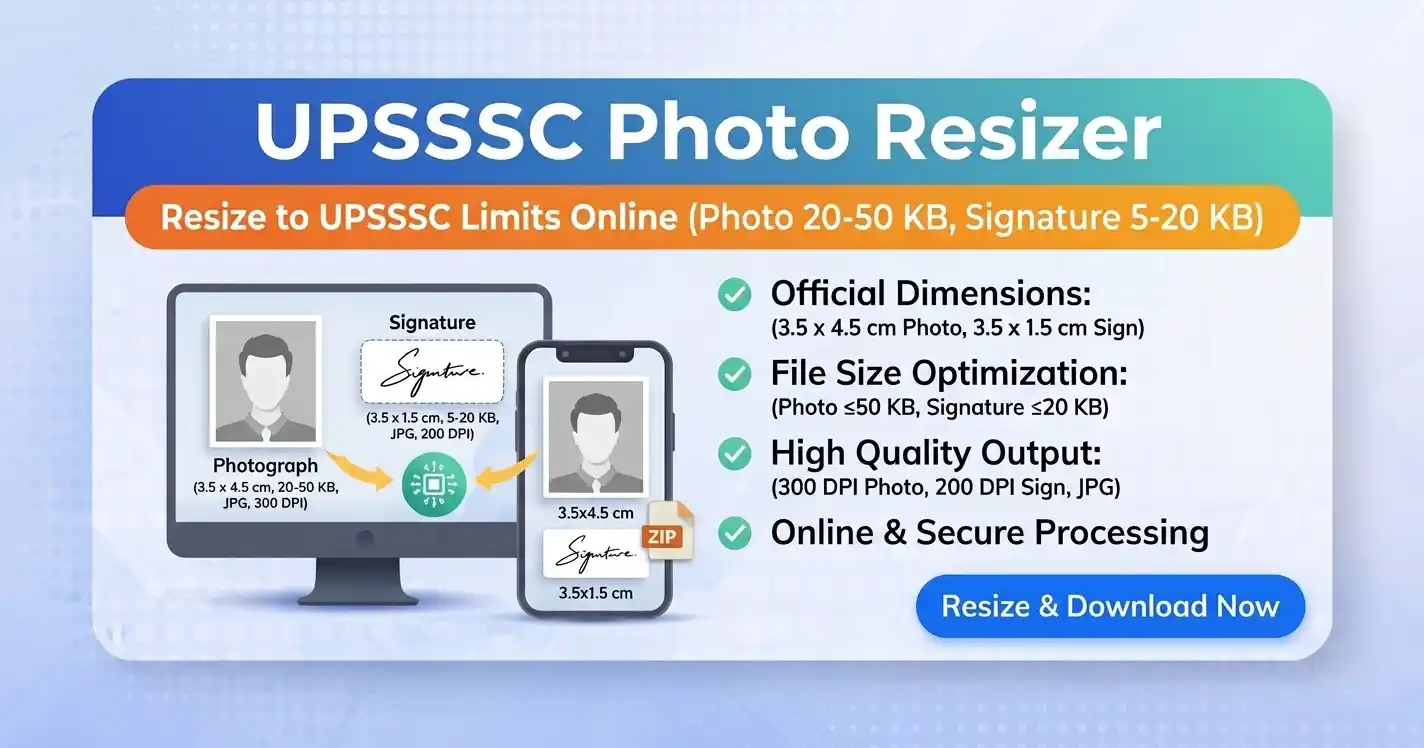
UPSSSC Photo Resizer – Resize Photo & Signature to Exact Size Online
UPSSSC Photo Resizer is a simple and reliable online tool that helps candidates resize their photo and signature to meet official UPSSSC application requirements. Many applicants face rejection due to incorrect UPSSSC photo size, format, or dimensions, which can delay the submission process. With this tool, you can easily resize image for UPSSSC without any technical knowledge while ensuring accurate results.
It ensures your photo and UPSSSC signature size stay within the required file size range while maintaining good quality. The tool works smoothly on both mobile and desktop, providing instant results. It saves time, reduces errors, and helps you complete your application quickly and hassle-free.
UPSSSC Photo & Signature Size Requirements
Many candidates get their forms rejected due to incorrect image size, so always double-check before uploading. Before submitting your image, make sure it meets the official size guidelines, as even a small mistake in file size or format can lead to rejection.
| Image Type | Image Size (cm) | File Size | Format |
|---|---|---|---|
| Photo | 3.5 cm × 4.5 cm | 50KB – 100KB | JPG/JPEG |
| Signature | 3.5 cm × 1.5 cm | 30KB – 50KB | JPG/JPEG |
📄 All specifications are based on the official UPSSSC application guidelines. For complete details, visit the UPSSSC official website.
How to Resize Photo for UPSSSC (Step-by-Step Guide)
- Upload your photo or signature using the tool above
- Adjust the file size according to UPSSSC requirements
- Preview the image to check clarity and dimensions
- Click on download to save the resized image
You can also try our CCC Photo Resizer, PAN Card Photo Resizer, Passport Photo Resizer, and RRB Photo Resizer tools to resize images for different government exams easily.
⚠️ Common Errors While Uploading UPSSSC Images
- File size too large or too small
- Incorrect image format (PNG instead of JPG)
- Blurry or unclear photo
- Wrong dimensions or aspect ratio
If you face any of these problems, simply resize your image again using this tool.
💡 Tips to Avoid Photo Rejection
- Use a recent passport-size photo
- Maintain a clear background (preferably white)
- Avoid shadows or low lighting
- Ensure the face is clearly visible
- Save the file in JPG format only
🏆 Why Use This UPSSSC Photo Resizer?
- 100% free and easy to use
- No technical skills required
- Instant image resizing
- Maintains image quality
- Works on mobile and desktop
⚡ Key Benefits
- Exact dimensions as per official guidelines
- Smart compression without quality loss
- Automatic JPG conversion (PNG, WebP supported)
- Instant download after processing
🔒 Safe and Secure Image Resizing Tool
This UPSSSC Photo Resizer works completely in your browser. No images are uploaded or stored, ensuring full privacy and security for all applicants.
📄 Best Use Cases
- UPSSSC exam form submissions
- Government job applications
- Document verification uploads
- Profile photo submissions
Frequently Asked Questions (FAQs)
The photo size should be 3.5 cm × 4.5 cm (413×531 pixel) with file size between 50KB to 100KB in JPG format.
The signature should be 3.5 cm × 1.5 cm (413×177 pixel) with file size between 30KB to 50KB in JPG format.
Yes, you can easily adjust your image size to match the required KB limit using this tool.
Your image may be rejected due to incorrect size, format, or unclear visibility.
Yes, it is completely safe. Your images are processed locally in your browser and not stored permanently.
Ready to Prepare Your UPSSSC Application Images?
The UPSSSC Photo Resizer is your go-to solution for fast, accurate, and secure image preparation. Uploading the correct photo and signature is a crucial step in the UPSSSC application process. Using a reliable UPSSSC photo resizer ensures your images meet all requirements and helps you avoid rejection.
Why users love this tool:
✓ Instant resizing · ✓ No quality loss · ✓ 100% browser-based · ✓ No uploads · ✓ Completely free
Resize your UPSSSC photo and signature online free and complete your application with confidence. No registration, no watermarks, no hidden fees — just a simple, reliable tool that works every time.