
Image Converter in KB
Image Preview
Dimensions (pixels)
Image Converter in KB – Reduce Image Size in KB Online Free
Introduction
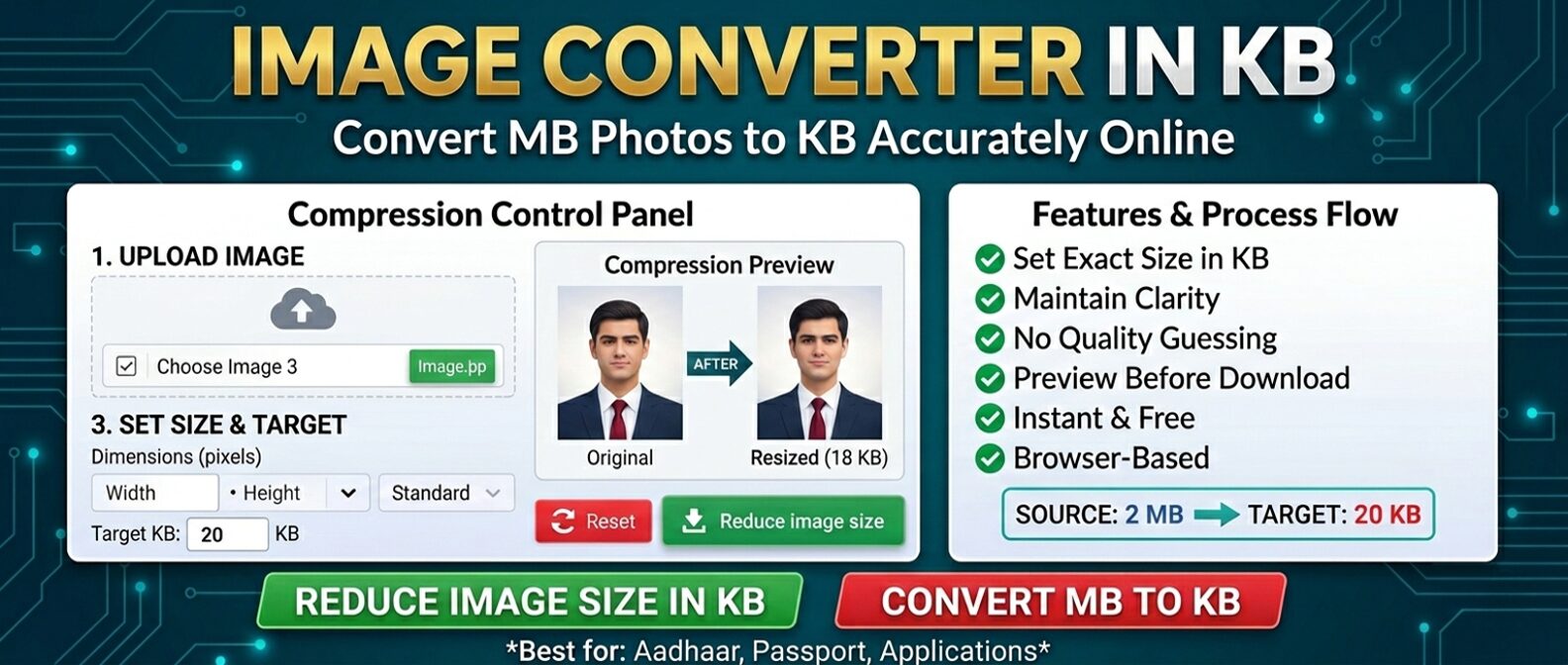
An Image Converter in KB helps you reduce the file size of a photo or image to meet a specific KB requirement. Many government forms, exam applications, job portals, college admissions, and online document systems accept images only within a particular file-size range.
If your photo is 500 KB, 1 MB, or larger but an application requires it to be below 100 KB, you can use an image converter in KB to reduce the file size and prepare the image for upload.
What is an Image Converter in KB?
An image converter in KB is an online tool that helps you reduce an image's file size to a specified KB value or range. It can use image compression, resizing, quality adjustment, or a combination of these methods to create a smaller file.
This is particularly useful when an online application gives a strict file-size requirement such as:
- Photo between 20 KB and 50 KB
- Image below 100 KB
- Signature below 50 KB
- Document image below 200 KB
The important point is that image dimensions and file size are different. An image can have suitable dimensions but still be too large in KB, so the actual file size should always be checked before uploading.
Why Do You Need to Reduce Image Size in KB?
Many online forms limit the size of photographs and other uploaded files. A high-resolution image from a smartphone can easily be several hundred KB or a few MB, which may exceed the website's upload limit.
Reducing the image to the required KB size makes it easier to upload while keeping the image suitable for its intended purpose.
📄 Common Applications
- Government application forms
- SSC, UPSC and RRB applications
- Banking and recruitment forms
- College and scholarship applications
🖼️ Common Image Requirements
- Passport and ID photographs
- Signatures and thumb impressions
- Certificates and document images
- Profile and registration photographs
How to Convert an Image to a Specific KB Size
Simple Steps to Reduce Image Size
- Upload the image you want to reduce.
- Select a preset KB size such as 20, 50, 75, 100, 150, 175 or 200 KB, or enter a custom size.
- Adjust the image dimensions if required.
- Click Convert to KB to process the image.
- Check the final file size and download the converted image.
For applications with a minimum and maximum file-size requirement, always check that the final image falls inside the specified range.
Image Size in KB vs Image Dimensions
One of the most common mistakes when preparing an image for an online form is confusing file size with image dimensions.
Dimensions describe the physical pixel size of an image, such as 600 × 800 pixels. File size describes how much storage the image requires, such as 45 KB or 250 KB.
Reducing dimensions can often reduce file size, but it does not guarantee a particular KB value. Compression and image quality also affect the final file size.
| Requirement | What It Means |
|---|---|
| 50 KB | Maximum or target file size |
| 600 × 800 px | Image width and height in pixels |
| JPG | Required image file format |
How to Convert Image MB to KB
If your image is measured in MB and you need it in KB, you need to reduce its file size. For example, a photograph that is 1 MB may need to be reduced to 100 KB or less before it can be uploaded to an online application.
An image converter in KB can reduce the image through compression and, where necessary, resizing. The amount of reduction depends on the original image, its dimensions, format, and compression characteristics.
⚡ For Smaller Files
- Use the required image format
- Reduce unnecessary dimensions
- Adjust compression carefully
- Check the final KB size
🎯 For Better Quality
- Start with the original image
- Avoid excessive compression
- Use suitable dimensions
- Keep important details clear
Does Reducing an Image to KB Affect Quality?
Reducing an image's file size can affect its visual quality, particularly when a large image needs to be compressed heavily. Strong compression may produce blurry details, visible artifacts, or reduced sharpness.
For most online forms, however, the image does not need to be suitable for high-quality printing. The important thing is to meet the required KB limit while keeping the photograph or document clear enough for its intended use.
If an application specifies both image dimensions and file size, make sure you meet both requirements. Reducing the KB size alone does not guarantee that the image will be accepted.
🔒 Image Processing and Privacy
When using an online image converter, privacy is an important consideration, especially when working with photographs, identification documents, or application forms. A browser-based tool can process images locally on the device when designed to do so, meaning the image does not need to be uploaded to a remote server.
Always check the tool's privacy information before processing sensitive documents.
Tips for Getting the Right Image Size in KB
- Check the original requirement first: Note the permitted KB range, dimensions, and file format.
- Start with the original image: This gives you more control over the final quality.
- Do not rely only on dimensions: Always check the actual file size in KB.
- Avoid excessive compression: A very small file may become difficult to read or identify.
- Check the final file: Confirm that the downloaded image meets the application's requirements before uploading.
What If the Image Is Still Too Large?
If the converted image is still above the required KB limit, you can reduce the dimensions or use a stronger compression setting. For example, if the target is below 100 KB and the first result is 130 KB, adjusting the settings may bring the file within the required limit.
Avoid repeatedly compressing the same already-compressed file when possible. Starting with the original image usually provides better control over quality.
What If the Image Becomes Too Small?
If the final image is below the minimum size allowed by an application, simply increasing the file size does not necessarily improve image quality. Instead, use a higher-quality source image or reduce the compression level.
For example, if an application requires an image between 50 KB and 100 KB and your result is only 25 KB, try using a less aggressive compression setting.
Which Image Format Should You Use?
📷 JPG / JPEG
JPG is commonly used for photographs and can provide a good balance between image quality and file size. It is often suitable when an application specifically requests a JPG or JPEG image.
🖼️ PNG / WEBP
PNG can be useful when lossless compression or transparency is required. WEBP can provide efficient compression, but some older upload systems may not accept it.
Always follow the exact format specified by the website or application. Changing a file extension alone does not actually convert the image format.
FAQs – Image Converter in KB
Upload your image, select or enter the required KB size, and convert it. The image is compressed or resized to reduce its file size. Always check the final KB value before uploading it to an application.
Upload the image and set the target size to 50 KB. The converter will optimize the image according to its available settings. Check the downloaded file to confirm that its actual size meets the required limit.
Common requirements include 20 KB, 50 KB, 75 KB, 100 KB, 150 KB, 175 KB and 200 KB. If your application requires another size, a custom KB value can be used where supported.
It can. Greater compression can reduce image quality. The best approach is to use enough compression to meet the required KB limit while keeping important details clear.
Image dimensions and file size are different. Reducing the width and height may not be enough, so additional compression or a suitable quality setting may be needed to reach the required KB size.
Use the exact file-size range specified by the application. Requirements vary between government forms, exams, job portals and other websites, so there is no single KB size that works for every form.
Yes. A browser-based image converter can generally be used on smartphones, tablets and desktop computers without installing additional image-editing software.
Reduce Your Image to the Required KB Size
An Image Converter in KB makes it easier to prepare photographs and images for websites with strict file-size limits. Whether you need to convert MB to KB or reduce an image to a specific size such as 50 KB, 100 KB or 200 KB, the right compression settings can help you create a suitable file.
Before uploading, always check:
✓ File size · ✓ Image dimensions · ✓ File format · ✓ Image quality
Reduce image size in KB online and prepare your image for government forms, exams, job applications and other online submissions.