
🔠 What is a Text Case Converter?
A Text Case Converter is an online tool that helps you quickly transform text into different letter cases without editing manually. Whether you want to convert text into UPPERCASE, lowercase, Title Case, Sentence case, or Inverse Case, this tool makes it simple and instant.
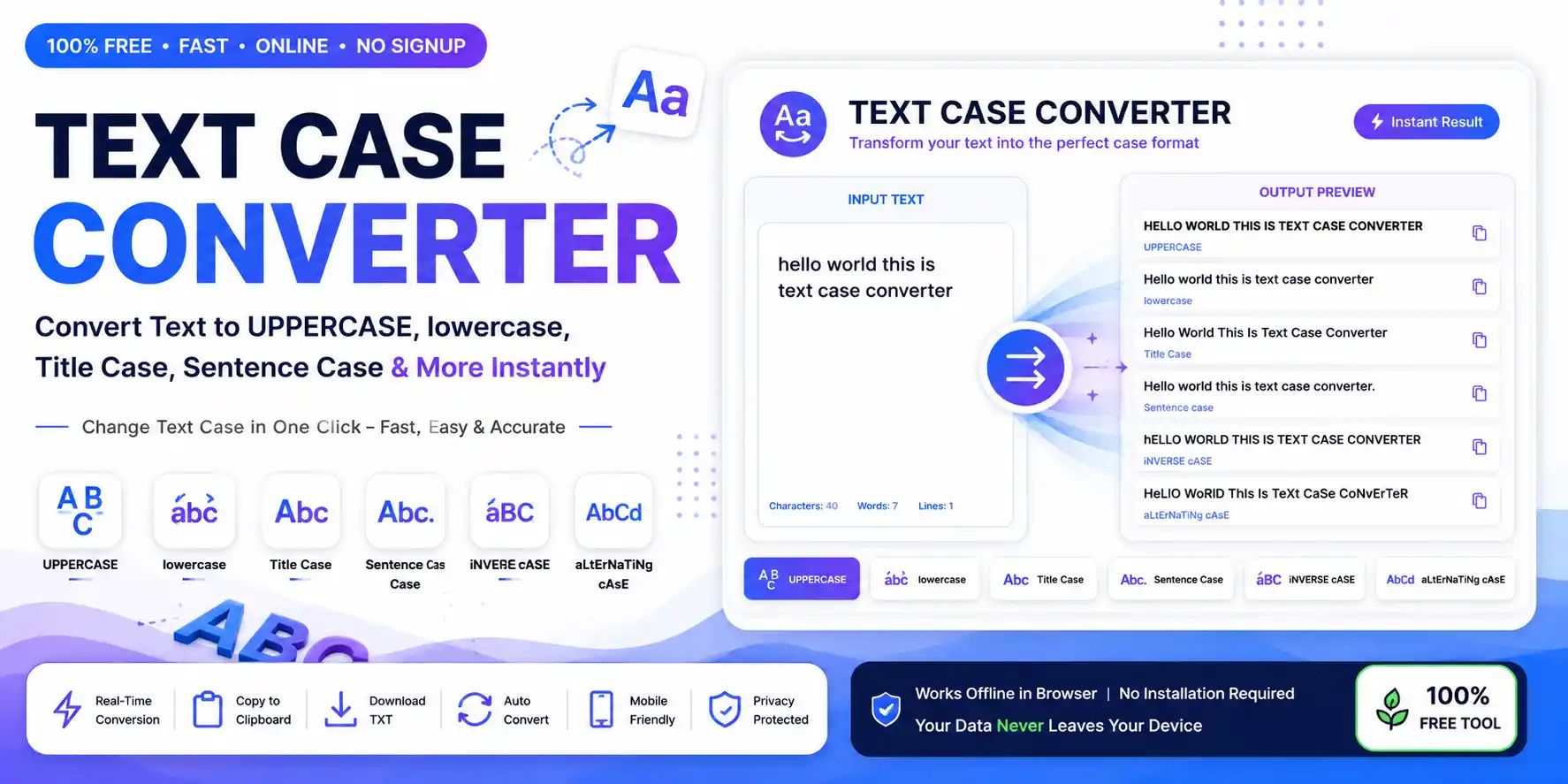
A Text Case Converter is an essential online text formatting tool designed to save you time and effort when you need to change text case. Instead of manually retyping text, you can paste your content, select the desired case style, and get your formatted text immediately. This is useful for students, writers, developers, bloggers, and social media users. For those working with large amounts of text, a text processing tool like this can significantly improve workflow efficiency.
Whether you're preparing a professional document, writing code, or creating social media content, our case converter ensures your text is formatted perfectly every time. With support for six different case styles and real-time conversion, you'll never have to manually retype text again.
Our Text Case Converter is completely free, works entirely in your browser, and respects your privacy — no data is ever stored or transmitted to our servers. With real-time updates and one-click copy/download features, it's the most comprehensive case conversion tool available online.
📘 How to Use the Text Case Converter?
Step 1: Paste or type your text into the input box — you can type manually, paste content, or upload a TXT file.
Step 2: Select the case format you want from the available options: UPPERCASE, lowercase, Title Case, Sentence case, iNVERSE cASE, or aLtErNaTiNg cAsE.
Step 3: View the converted result instantly in the output area — no page reload needed, real-time text generation.
Step 4: Copy the output text with one click or download it as a TXT file for offline use.
Step 5: Use it anywhere you need formatted text — emails, social media, documents, or code. You can also use our complementary Text Repeater Tool for duplicating your formatted text multiple times.
Pro Tip: Enable the Auto-convert feature to apply your selected case format instantly as you type!
📋 Available Text Case Formats
Our Text Case Converter supports six different case styles, each suited for specific use cases. Here's a quick overview:
| Case Type | Example | Best Use |
|---|---|---|
| UPPERCASE | HELLO WORLD | Headings, Alerts, Acronyms |
| lowercase | hello world | URLs, Coding, Casual Text |
| Title Case | Hello World | Blog Titles, Article Headlines |
| Sentence case | Hello world | Articles, Paragraphs, Emails |
| iNVERSE cASE | hELLO wORLD | Creative Text, Social Media |
| aLtErNaTiNg cAsE | HeLlO WoRlD | Social Media Fun, Memes |
💡 Tip: The Auto-convert feature applies your selected case format instantly as you type.
🏆 Why Use Our Text Case Converter?
Our tool is designed for speed, simplicity, and accuracy. It helps users save time while formatting text for different purposes. Whether you're a content creator, developer, or student, this tool eliminates the hassle of manual case conversion.
✅ Instant conversion — no page reloads, real-time updates
✅ Multiple case styles — 6 different formats available
✅ Easy copy and download — one-click copy and TXT download
✅ Mobile and desktop — fully responsive design
✅ No installation required — runs entirely in your browser
✅ 100% free to use — no limits, no registration
✅ Auto-convert feature — convert as you type
✅ Zero data storage — 100% privacy focused
👥 Who Can Use This Tool?
The Text Case Converter is versatile and useful for a wide range of users:
🎓 Students
Assignments, notes, and research paper formatting
📝 Bloggers
Title and heading formatting for SEO-optimized content
💻 Developers
Code formatting, variable naming, and data cleaning
📱 Social Media Users
Creative captions, posts, and engagement content
✍️ Writers
Quick editing, proofreading, and text styling
📊 Digital Marketers
Creating ad copy, email campaigns, and marketing content
💡 Benefits of Using a Text Case Converter
⏱️ Saves time: Convert text in milliseconds instead of manually retyping. Our case converter does in seconds what would take minutes or hours manually.
✅ Reduces errors: Eliminates manual retyping mistakes. Every conversion is 100% accurate and consistent.
📖 Improves readability: Proper case formatting enhances clarity and professionalism. Whether you're writing an email or a blog post, correct case matters.
💼 Professional formatting: Perfect for business documents, reports, and presentations. For businesses and professionals, consistent text formatting is essential for maintaining a professional brand image.
🎨 Content creator friendly: Ideal for blog posts, emails, social media, and more. Learn more about effective writing techniques from Grammarly to enhance your content.
🔒 Privacy-First: Zero data upload — everything runs locally in your browser. Your text never leaves your device.
🎯 Common Uses of Text Case Conversion
People use text case conversion for many daily tasks. Here are some of the most common scenarios:
📸 Social media captions — make posts stand out
📰 Article headings — create professional titles
🧹 Data cleaning — standardize text from external sources
📧 Email subjects — proper case for business emails
💻 Code variables — standardize naming conventions
🎭 Creative chats — fun and creative communication
📄 Document formatting — professional reports and papers
🎨 Content creation — blog posts and articles
⚡ Text Case Converter vs Manual Editing
Still manually retyping text to change case? Here's why our tool is a better choice:
✅ Using Text Case Converter
Instant conversion, 100% accurate, supports 6 case styles, one-click copy, works on any device.
❌ Manual Editing
Time-consuming, prone to errors, limited to one format at a time, causes hand fatigue, inconsistent results.
The conclusion is clear: a dedicated text case converter like our Text Case Converter tool dramatically outperforms manual methods in every measurable category.
❓ Frequently Asked Questions About Text Case Converters
1. What is a Text Case Converter?
A Text Case Converter is an online tool that changes text into different letter cases like uppercase, lowercase, title case, sentence case, inverse case, and alternating case — instantly and accurately.
2. How do I convert text to uppercase?
Simply paste or type your text in the input box, then click the 'UPPERCASE' button. Your text will be converted instantly.
3. Can I convert uppercase to lowercase?
Yes, click the 'lowercase' button to convert all text to lowercase characters instantly.
4. Is this tool free?
Yes, completely free to use with no limits or registration required. Use this case converter as much as you want.
5. Does it work on mobile?
Yes, fully responsive and works on all devices including smartphones and tablets with touch-friendly controls.
6. Is my text stored?
No, all processing happens locally in your browser. Your data is never saved or sent to any server.
7. Can I download converted text?
Yes, click the 'Download TXT' button to save your converted text as a text file for offline use.
8. Can I convert multiple lines?
Yes, the tool handles multi-line text and preserves line breaks. You can convert entire documents or paragraphs.
🔧 Related Tools You Might Like
Enhance your text editing experience with these complementary online utilities:
Want to analyze your text length? Try our Character Counter or Word Counter. For text transformation, check out our Text Repeater and Text Reverser tools.