
PNG to JPG Image Converter – Convert PNG to JPG Online Free
PNG to JPG image converter helps you convert PNG images into high-quality JPG files instantly without losing image quality. This online tool helps you change PNG images to JPG format quickly. No registration, no software installation, and no complicated process.
Our PNG to JPG converter online works directly in your browser, making image conversion fast, secure, and private. Whether you want to reduce file size, upload images to websites, or share photos easily, this tool gives you smooth and reliable conversion in seconds.
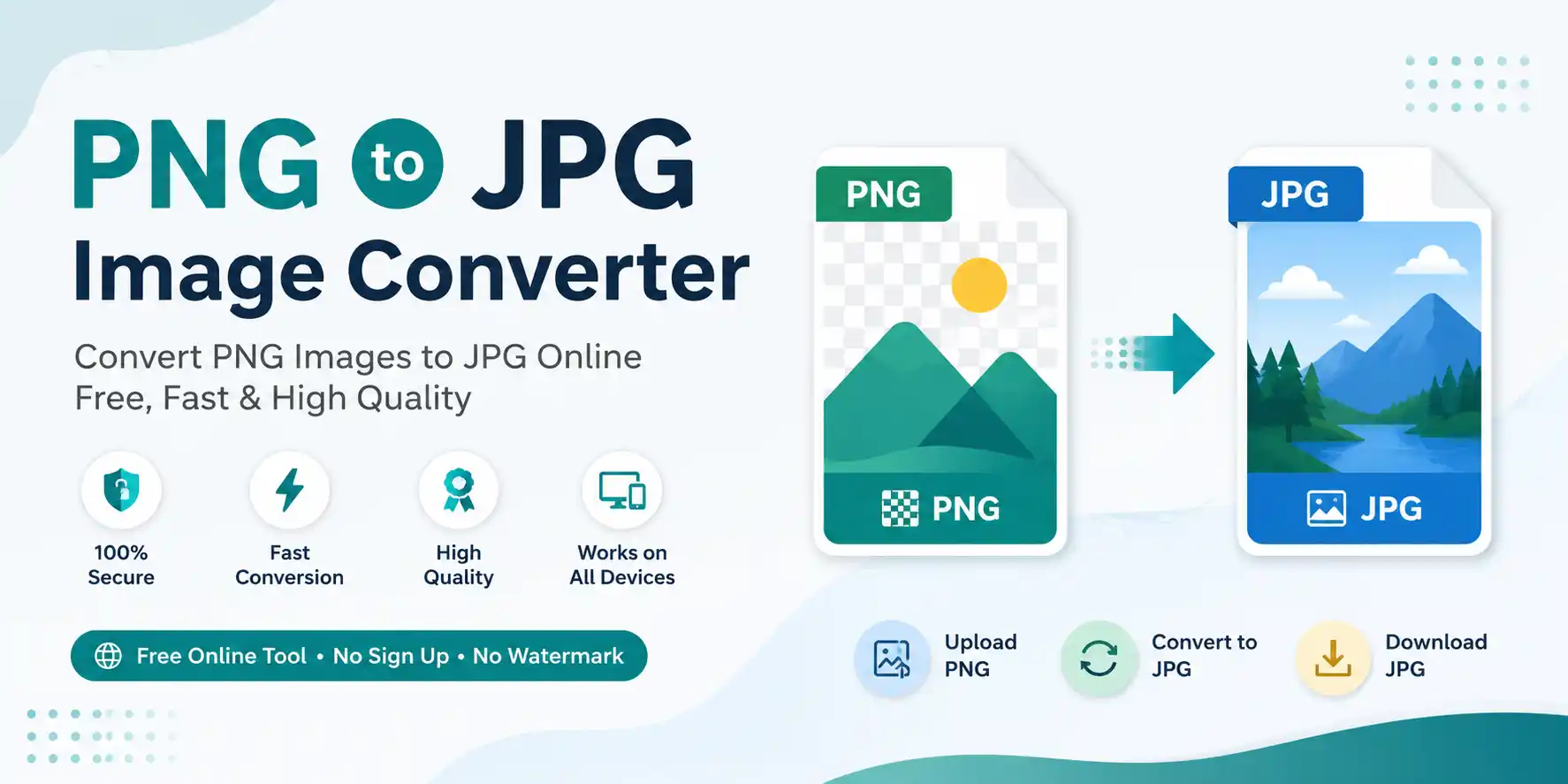
How to Convert PNG to JPG
- Upload your PNG image file
- Click on the Convert to JPG button
- Download your converted JPG image instantly
The tool works smoothly on mobile phones, tablets, laptops, and desktop devices.
Key Features of PNG to JPG Image Converter
High-Quality Image Conversion
Convert PNG files into JPG format while maintaining excellent image quality and sharpness.
Fast PNG to JPG Conversion
The tool processes images instantly and delivers quick results without delays.
Browser-Based Processing
Your images are converted directly in the browser without server uploads for better privacy.
Mobile Friendly Tool
Use the converter on Android, iPhone, tablet, or desktop devices easily.
100% Free to Use
This online PNG to JPG converter is completely free without hidden charges.
Simple User Interface
Clean and easy design helps users convert images quickly without technical knowledge.
PNG vs JPG – What's the Difference?
| Feature | PNG | JPG |
|---|---|---|
| Compression | Lossless | Lossy |
| File Size | Larger | Smaller |
| Transparency | Supported | Not Supported |
| Best Use | Logos & graphics | Photos & web images |
| Quality | High | Optimized |
🎯 Why Convert PNG to JPG?
PNG files usually have larger file sizes compared to JPG images. Converting PNG to JPG helps reduce image size and improves compatibility for websites, social media, online forms, and email sharing.
- Smaller image file size
- Faster website loading
- Easy image sharing
- Better compatibility with online platforms
- Useful for forms and documents
📄 Common Use Cases
- Convert transparent PNG images into smaller JPG files
- Upload images to websites and blogs
- Share photos on social media platforms
- Reduce image storage size
- Use images in online applications and forms
✨ Benefits of Using This Online Tool
- No software installation required
- Fast and secure image conversion
- Works on all modern browsers
- Easy drag-and-drop upload
- Completely browser-based processing
- No watermark on converted images
🔒 Safe and Secure Image Converter
This PNG to JPG image converter processes files securely in your browser. Your images are not permanently stored, ensuring privacy and safe image conversion.
Frequently Asked Questions (FAQs)
Upload your PNG image, click the convert button, and download the JPG file instantly.
Yes, the tool is completely free and works without signup or registration.
The converter maintains high image quality while optimizing the JPG file size.
Yes, the tool is fully responsive and works smoothly on mobile devices.
Yes, images are processed securely and are not permanently stored.
PNG is better for graphics and transparency, while JPG is ideal for smaller file sizes and photos. Read detailed comparison →
Ready to Convert PNG to JPG?
The PNG to JPG image converter helps you convert images instantly with high quality and fast processing. Simply upload your PNG image, convert it online, and download the JPG file in seconds.
Why users love this tool:
✓ Fast conversion · ✓ High-quality output · ✓ Browser-based processing · ✓ Mobile friendly · ✓ Completely free
Start converting PNG images to JPG online free and enjoy secure, high-speed image conversion anytime.