
JPG to WEBP Image Converter – Convert JPG to WEBP Online Free
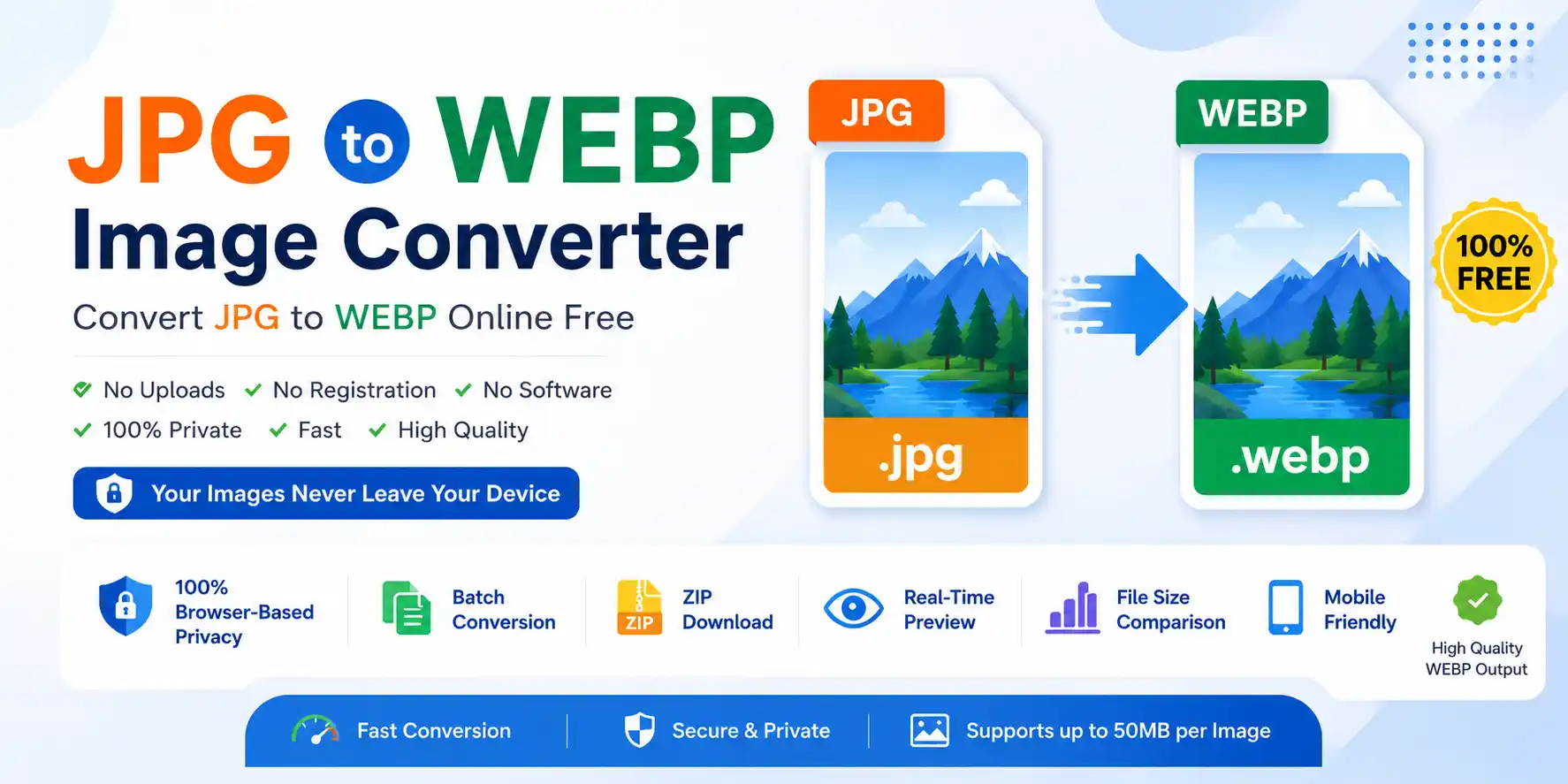
JPG to WEBP Image Converter helps you transform JPG files into lightweight, high-quality WEBP format instantly. Our free online tool lets you convert images without installing software or uploading to any server. Whether you are a blogger, web developer, designer, or SEO specialist, this tool makes image optimization simple, secure, and fast.
WEBP is a modern image format developed by Google that offers 25–35% smaller file sizes than JPG at comparable quality. Converting your JPG images to WEBP helps websites load faster, improves Core Web Vitals, saves bandwidth, and enhances overall user experience. It's the smart choice for modern web performance.
Our tool works completely inside your browser using client-side processing. Your images never leave your device, making it a truly privacy-focused solution. No uploads, no signup, and no hidden restrictions — just fast and secure conversion. If you also need the reverse conversion, check out our WEBP to JPG Converter for similar high-quality results.
Why Convert JPG to WEBP?
WEBP offers superior compression and quality compared to traditional JPG. Converting your JPG images to WEBP helps you achieve smaller file sizes without sacrificing visual quality — a game-changer for website speed and performance.
Smaller File Size
WEBP images are typically 25–35% smaller than JPG files at the same quality level, significantly reducing page load time.
Better SEO Performance
Google recommends optimized images for faster websites. WEBP helps improve Core Web Vitals and search rankings.
Save Bandwidth & Storage
Smaller images mean lower hosting costs, faster backups, and reduced bandwidth consumption for your website.
Faster Mobile Experience
Mobile users benefit greatly from smaller image sizes, leading to lower bounce rates and higher engagement.
Key Features of This Converter
100% Browser-Based Privacy
This tool processes images directly inside your browser. Your files never leave your device, ensuring maximum privacy and security.
Batch Conversion & ZIP Download
Convert multiple JPG images at once. Download all converted WEBP images together as a ZIP file for convenience.
Adjustable Quality Control
Fine-tune WEBP compression quality from 10% to 100% to find the perfect balance between file size and image fidelity.
Real-Time Preview
Preview original JPG images and converted WEBP files side by side before downloading.
Mobile Friendly Design
The converter works perfectly on Android, iPhone, tablets, laptops, and desktop devices.
100% Free
Use this free tool without registration, subscriptions, or hidden fees.
Fast Processing
Images are converted instantly using optimized browser technology for fast performance.
Drag & Drop Upload
Simply drag JPG files into the upload area for quick conversion.
How to Convert JPG to WEBP
- Drag and drop your JPG or JPEG files or click the upload button to select images from your device
- (Optional) Adjust the quality slider to control WEBP compression level
- Click on the Convert to WEBP button — the tool instantly processes your JPG files directly in your browser
- Download converted WEBP images individually or download all files together as a ZIP archive
That's it — fast, secure, and easy image optimization.
JPG vs WEBP – What's the Difference?
| Feature | JPG | WEBP |
|---|---|---|
| File Size | Larger | 25–35% smaller |
| Compression | Standard | Advanced / Modern |
| Quality at Small Size | Good | Excellent |
| Transparency Support | Not supported | Supported |
| Browser Support | Universal | All modern browsers |
| Best Use | Universal sharing | Web optimization & speed |
| SEO Impact | Standard | Better (faster loading) |
🔒 Privacy & Security – Your Images Stay on Your Device
Privacy is one of the biggest advantages of this tool.
Unlike many online tools that upload files to remote servers, our converter uses fully client-side processing. This means:
- Images are processed locally in your browser
- No files are uploaded to servers
- No image storage or logging
- No image sharing
- No tracking of your uploaded files
Your images remain private at all times, making this tool ideal for sensitive or personal images.
Benefits of Using This Tool
- No software installation required
- No registration or signup needed
- Works directly in your browser
- Supports batch conversion
- ZIP download for multiple files
- Adjustable quality control
- Fast conversion speed
- Mobile responsive interface
- No watermarks on images
- Free forever
Frequently Asked Questions (FAQs)
Yes, the tool is completely free to use with no registration or subscription required.
No. Images are processed directly in your browser. Your files never leave your device.
Yes, the tool supports batch conversion and ZIP download functionality.
WEBP maintains excellent visual quality while reducing file size. You can also adjust quality settings for your preference.
All modern browsers including Chrome, Firefox, Edge, Safari, and Opera fully support WEBP.
Yes, it works on mobile phones, tablets, laptops, and desktop browsers.
Each JPG image can be up to 50MB in size.
Ready to Use a JPG to WEBP Image Converter?
This tool makes image optimization fast, secure, and effortless. Convert JPG images into lightweight WEBP files directly in your browser without uploads or software installation — perfect for modern web performance.
Why users love this tool:
✓ 100% browser-based privacy · ✓ Batch conversion · ✓ ZIP downloads · ✓ Adjustable quality · ✓ Mobile friendly · ✓ Completely free
Start using this free JPG to WEBP converter today and enjoy faster websites, better SEO, and optimized images — anytime, anywhere.