
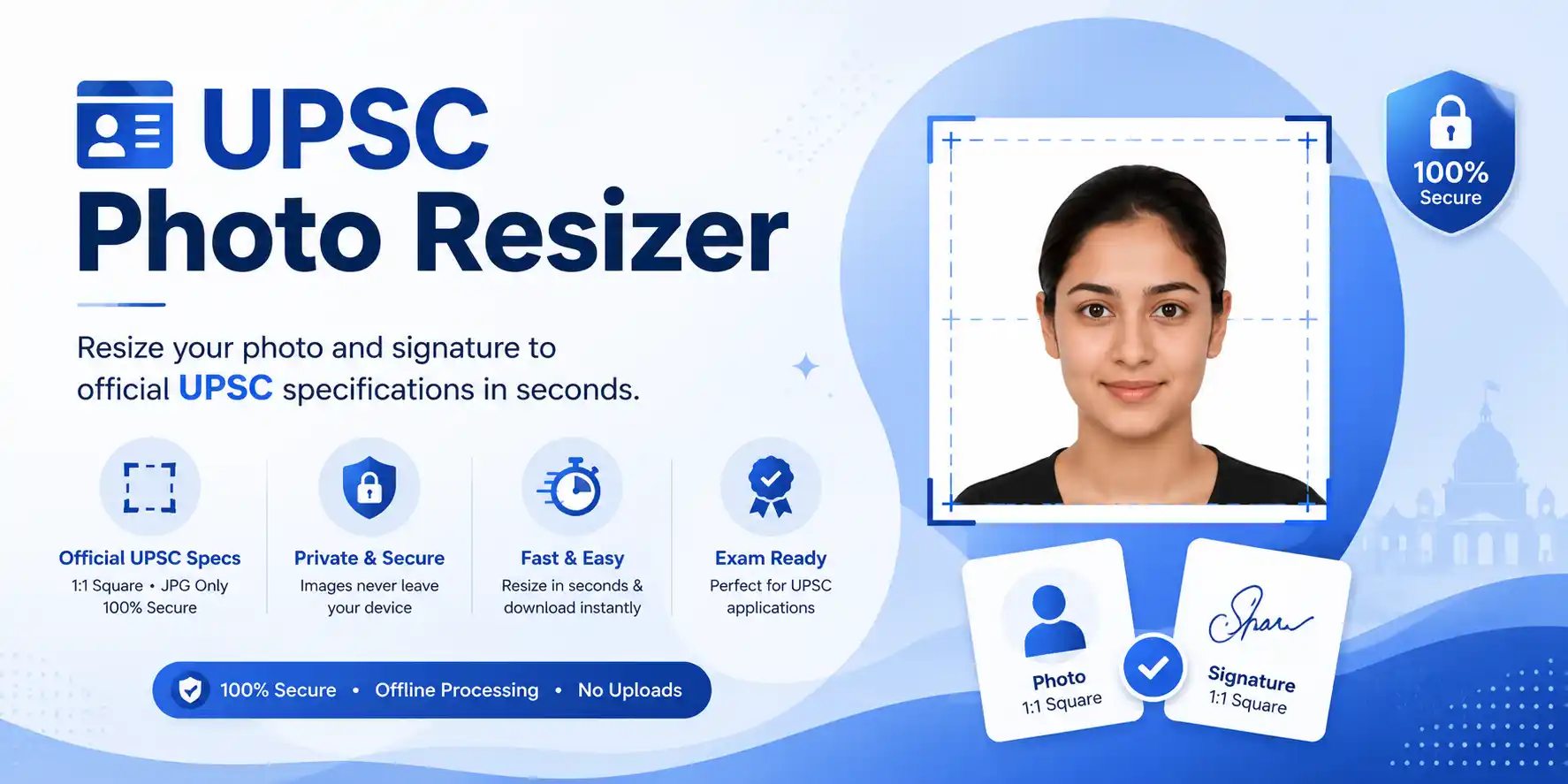
UPSC Photo Resizer
Photo Specifications
1:1 Square (350–1000 px)
20–200 KB · JPG / JPEG
Signature Specifications
1:1 Square (350–500 px)
20–100 KB · JPG / JPEG
No Upload
Images never leave your device · 100% private


UPSC Photo Resizer – Resize Photo & Signature to Exact Size Online
UPSC Photo Resizer is an intuitive web-based utility crafted to assist aspirants in adjusting their photographs and signatures according to the precise norms set by the Union Public Service Commission. A significant number of candidates encounter hurdles during form submission due to mismatched UPSC photo dimensions, improper file formats, or oversized attachments. This tool eliminates those obstacles by enabling you to adjust image for UPSC swiftly and accurately, even if you lack prior editing experience.
Whether it's your passport-style photograph or your handwritten autograph, the platform ensures both UPSC image requirements are fulfilled — from pixel dimensions to file weight. The entire process occurs locally within your browser, guaranteeing that your personal data never travels across the internet. With cross-device compatibility, you can complete your preparations from a smartphone, tablet, or desktop without any friction.
UPSC Photo & Signature Size Requirements
Before uploading your images to the official portal, it's essential to verify that they adhere to the technical specifications. Even a minor deviation from the prescribed pixel range or file capacity could trigger an error, so careful attention is advised.
| Image Type | Dimensions (px) | File Size | Format |
|---|---|---|---|
| Photo | 350×350 – 1000×1000 (1:1) | 20KB – 200KB | JPG/JPEG |
| Signature | 350×350 – 500×500 (1:1) | 20KB – 100KB | JPG/JPEG |
📄 These parameters are derived from the official UPSC application handbook. For authoritative reference, visit the UPSC official website.
How to Resize Photo for UPSC (Step-by-Step Guide)
- Select your photograph or signature file using the upload interface
- Fine-tune the compression level to match UPSC's file size bracket
- Inspect the preview to confirm sharpness and proper scaling
- Hit the download button to store the optimized version
Explore additional utilities like CCC Photo Resizer, UPSSSC Photo Resizer, DSSSB Photo Resizer, and NEET Photo Resizer for other competitive examinations.
⚠️ Frequent Mistakes with UPSC Image Uploads
- Exceeding or falling short of the file size window
- Submitting PNG or WebP instead of mandatory JPG
- Grainy or pixelated photographs
- Improper aspect ratio — not a perfect square
If you encounter these issues, re-run your images through this resizer for a quick fix.
💡 Best Practices for Flawless Submission
- Always use a recent, well-lit frontal photograph
- Opt for a plain, light-colored backdrop
- Avoid hats, sunglasses, or heavy shadows
- Keep your facial features unobstructed
- Strictly adhere to JPG format
🏆 Advantages of Choosing This UPSC Photo Resizer
- Completely complimentary and straightforward
- Zero learning curve — anyone can operate it
- Real-time processing with immediate output
- Preserves original clarity during compression
- Responsive design for all screen sizes
⚡ Notable Features
- Accurate pixel dimensions as per UPSC directives
- Intelligent file size reduction without degrading visuals
- Seamless conversion from other formats to JPG
- One-click download post-processing
🔒 Privacy-Centric & Reliable
This UPSC Photo Resizer functions entirely within your browser's sandbox. No image data is ever transmitted to any server, guaranteeing absolute confidentiality for every user.
📄 Ideal Scenarios for This Tool
- UPSC Civil Services preliminary and main applications
- Other central government recruitment portals
- Identity verification and document submission
- Updating profile images on official portals
Frequently Asked Questions (FAQs)
The photograph should be a 1:1 square, ranging from 350×350 to 1000×1000 pixels, with a file size between 20KB and 200KB, saved as JPG.
The signature must also be a 1:1 square, between 350×350 and 500×500 pixels, with file size from 20KB to 100KB in JPG format.
Absolutely. The tool allows you to control compression levels to hit the desired file size bracket with ease.
Common reasons include file size violations, wrong format, poor resolution, or incorrect aspect ratio.
Yes. Since all operations are performed locally in your browser, your images are never uploaded or stored elsewhere.
Ready to Finalize Your UPSC Application Images?
The UPSC Photo Resizer offers a dependable and swift approach to preparing your visual documents. Properly formatted photographs and signatures are non-negotiable for a successful UPSC application. Leveraging this dedicated utility ensures your files comply with every technical parameter, significantly reducing the risk of rejection.
What makes this tool stand out:
✓ Lightning-fast resizing · ✓ Crystal-clear output · ✓ Fully client-side · ✓ Zero uploads · ✓ Always free
Optimize your UPSC photo and signature online at no cost and proceed with your application stress-free. No sign-ups, no watermarks, no surprise charges — just a straightforward, efficient tool you can rely on.