CCC Photo Resize Tool


CCC Photo Resize Tool – Complete Guide for NIELIT CCC Form (Photo, Signature & Thumb)
Filling the NIELIT CCC examination form is not difficult, but form rejection due to incorrect photo, signature, or left thumb impression size is a very common problem. Most candidates face issues because there is no simple and reliable tool available that generates images in the exact format and dimensions required for the CCC application.
To solve this real problem, our CCC Photo Resize Tool is developed exclusively for CCC form submission. It automatically resizes your photo, signature, and left thumb impression according to official CCC specifications, ensuring your images are ready for upload without rejection.
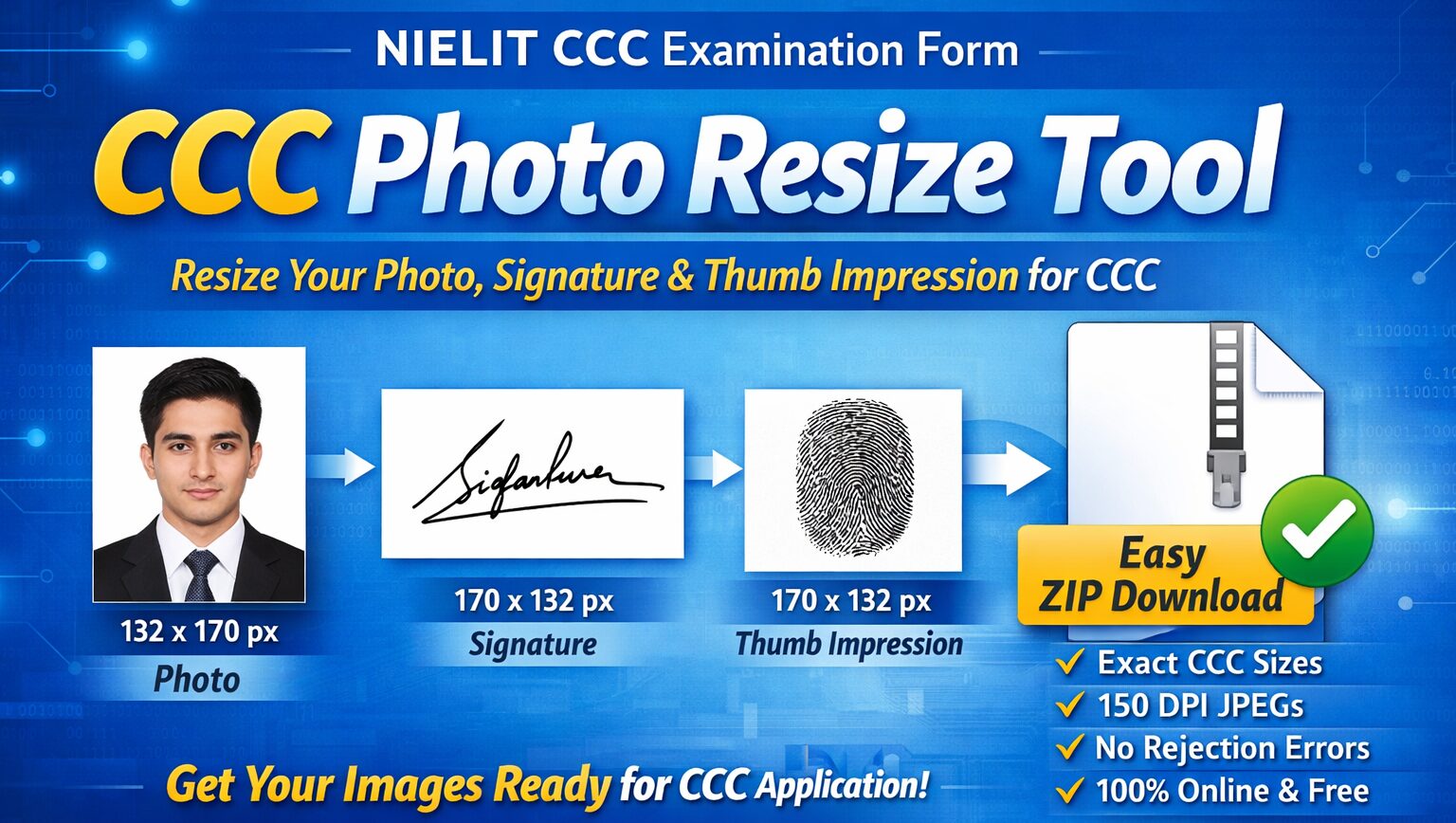
This tool works completely online in your browser, requires no technical knowledge, and provides accurate, ready-to-use output in a single step.
If you are searching for a dependable ccc photo resize solution that eliminates errors and gives correct output every time, this tool is built strictly based on official NIELIT CCC examination form requirements.
📌 What Is CCC Photo Size?
The CCC photo size is the official image dimension required while filling the CCC online application form conducted by NIELIT.
Many students upload photos that are either too large, stretched, or blurred, which leads to form rejection. Using a proper ccc photo resize tool ensures your photo matches the exact specifications.
- Dimensions: 132 × 170 pixels (width 132px, height 170px)
- File size: 5 KB to 50 KB
- DPI range: 96 to 300
- Format: JPEG / JPG only
Our ccc photo resize tool resizes your photo precisely to 132×170 px without distortion and embeds correct DPI metadata (within the official range).
✍️ What Is CCC Signature Size?
The CCC signature size is another critical requirement often ignored by applicants. A wrongly sized or unclear signature can cause form rejection.
- Dimensions: 170 × 132 pixels (width 170px, height 132px)
- File size: 5 KB to 20 KB
- DPI range: 96 to 200
- Format: JPEG / JPG only
With our ccc photo resize tool, your signature image is resized automatically to the exact pixel size while maintaining clarity and proper resolution.
👍 What Is Left Thumb Impression Size for CCC?
Along with photo and signature, left thumb impression is mandatory for the CCC form.
- Dimensions: 170 × 132 pixels (width 170px, height 132px)
- File size: 5 KB to 20 KB
- DPI range: 96 to 200
- Format: JPEG / JPG only
Our ccc photo resize system handles thumb impression images smoothly, even if the original image is PNG or oversized.
⚙️ How to Photo Resize for CCC Form?
Many students ask how to resize images correctly without Photoshop or paid software. The answer is simple — use a browser-based ccc photo resize tool.
- Open the CCC Photo Resize Tool (available at our website)
- Upload:
- Photo
- Signature
- Left thumb impression
- Preview each image in official size boxes
- Tool automatically:
- Resizes images to exact CCC dimensions
- Adjusts DPI to a valid value within official range (96–300 for photo, 96–200 for signature/thumb) or defaults to 150
- Converts output to JPEG
- Download all images in a single ZIP file
No login, no upload to server, no risk.
Other useful tools
- CCC Photo Resize Tool – Resize Photo Now
- PAN Photo Resizer – Fix Photo Instantly
- Passport Photo Resizer – Resize Online
- RRB Photo Resizer – Get Started
- KB Resizer – Free Tool
🏆 Why GovtPhotoResizer Is the Best Website for Photo Resizer for CCC?
There are many online tools, but GovtPhotoResizer is built specifically for government examination standards, especially CCC.
- Designed Only for CCC Requirements – Unlike generic tools, this ccc photo resize tool follows official CCC specifications strictly (dimensions, file size, DPI, format).
- Correct DPI Handling – It preserves original DPI if within the valid range, otherwise safely embeds a DPI value (e.g., 150) that meets official requirements.
Avoid Complicated Image Compression for CCC
Preparing images for the NIELIT CCC examination form is often confusing because of strict size, dimension, and DPI requirements. Most candidates struggle with complicated steps like resizing, compressing, adjusting DPI, and converting formats using multiple tools.
This is where a dedicated ccc photo resize tool makes the difference. It automatically prepares your photo, signature, and left thumb impression in the exact CCC-required size and format, without manual compression, technical steps, or trial-and-error.