PAN Photo Resize Tool


Pan Photo Resize Tool – Resize Photo & Signature for PAN Card Application
Applying for a PAN card is a simple process, but many applicants face confusion during photo and signature upload. The real issue is not form rejection, but the complicated image resizing and compression process required to meet official PAN card specifications. This is exactly where a reliable Pan photo resize Tool becomes essential.
Our Pan photo resize Tool helps you resize your PAN photo and signature accurately in one place—without manual compression, editing software, or technical knowledge. The tool works fully online and prepares images exactly as required for PAN card applications.
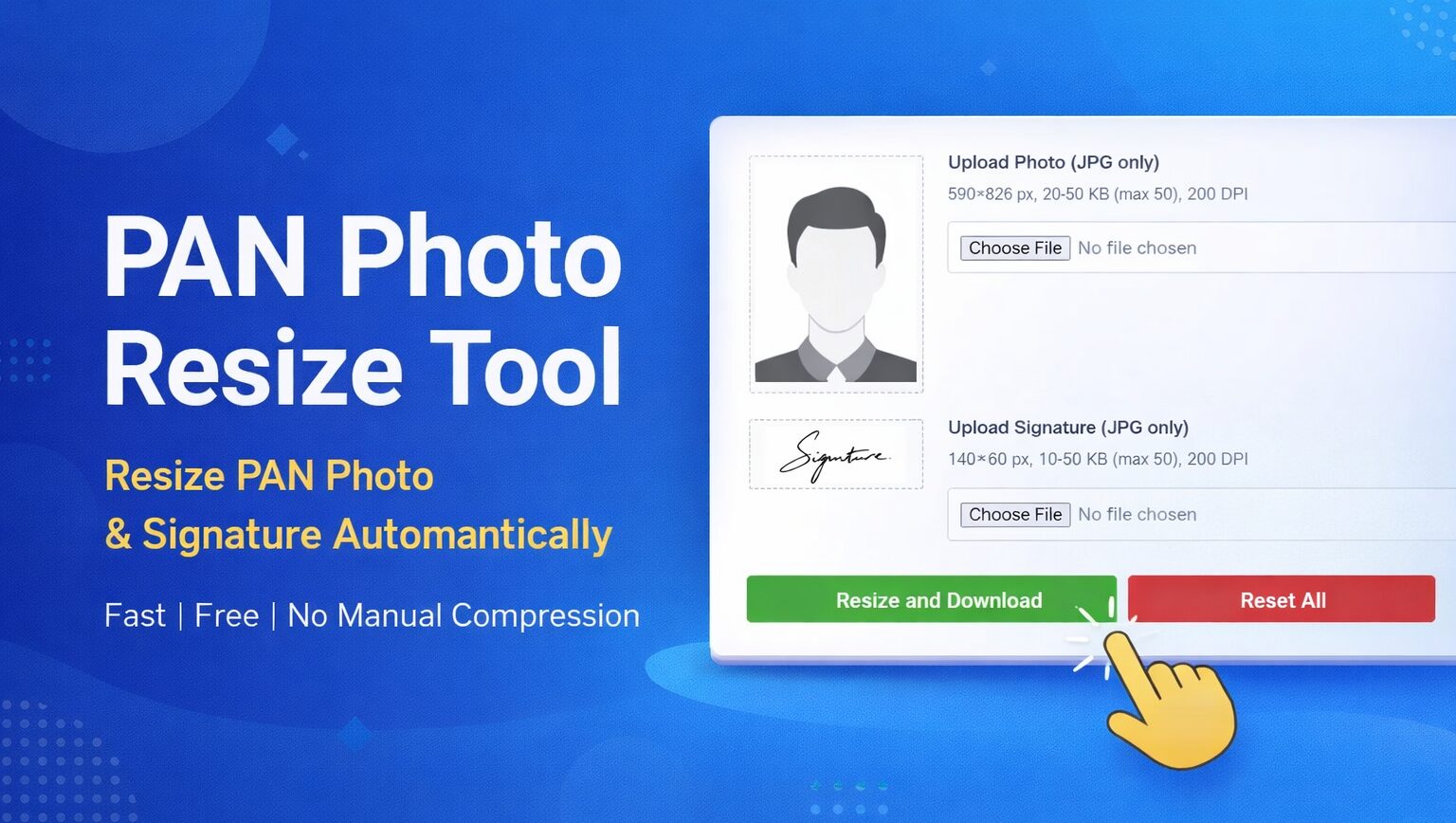
What Is Pan Card Size Photo Dimensions?
The pan card size photo dimensions refer to the official photo size, file weight, and resolution required while uploading a photograph for PAN card registration or correction.
Many applicants upload images that look fine visually but fail due to incorrect pixel size, DPI, or file size.
- File format: JPG only
- Dimensions: 590 × 826 pixels
- File size: 20 KB to 50 KB (maximum 50 KB)
- Resolution: 200 DPI
- Background: Clean and light
- Clarity: Full face clearly visible, no blur or shadow
Using the Pan photo resize Tool, your photo is automatically adjusted to match these pan card size photo dimensions without manual editing.
What Is Pan Card Signature Size?
Along with the photo, the pan card signature size must also follow strict upload rules. Many users struggle because handwritten signatures often exceed size limits or lose clarity after compression.
- File format: JPG only
- Dimensions: 140 × 60 pixels
- File size: 10 KB to 50 KB (maximum 50 KB)
- Resolution: 200 DPI
- Orientation: Horizontal
- Signature color: Dark ink on light background
Our Pan photo resize Tool resizes your signature perfectly while keeping it sharp and readable.
How to Resize Photo for Pan Card?
Most people try random apps or editing tools, which makes resizing and compression confusing and time-consuming. A dedicated Pan photo resize Tool removes this complexity completely.
Simple Steps to Resize PAN Images
- Open the Pan photo resize Tool
- Upload your PAN photo (JPG)
- Upload your signature (JPG)
- Preview both images instantly
- Click Resize and Download
The tool automatically:
- Adjusts dimensions
- Maintains 200 DPI
- Controls file size within limits
- Outputs ready-to-upload JPG files
No trial and error. No technical steps.
Other useful tools
- CCC Photo Resize Tool – Resize Photo Now
- Passport Photo Resizer – Resize Online
- RRB Photo Resizer – Get Started
- KB Resizer – Free Tool
Why Our “Pan Card Photo and Signature Size Converter Tool” Is Best?
Unlike general image resizers, our pan card photo and signature size converter tool is built specifically for PAN card requirements.
Key Benefits
- No Manual Compression – The tool handles resizing and file size automatically.
- PAN-Specific Design – Created only for PAN photo and signature rules.
- Beginner-Friendly Interface – Anyone can use it without editing knowledge.
- 100% Client-Side Processing – Images stay in your browser and are never uploaded to any server.
- Fast & Free – Instant results with no registration.
If you need a trustworthy Pan photo resize Tool, this solution is accurate, safe, and purpose-built.
Preparing images for a PAN card application shouldn’t feel complicated. Yet many applicants waste time resizing, compressing, and converting images using multiple tools.
A dedicated Pan photo resize Tool removes all confusion by automatically preparing your photo and signature as per official PAN card specifications. With correct dimensions, file size, and DPI—your images are ready in one click.