
Image Converter in KB
Image Preview
Dimensions (pixels)
Image Converter in KB – Reduce Image Size in KB Online Free
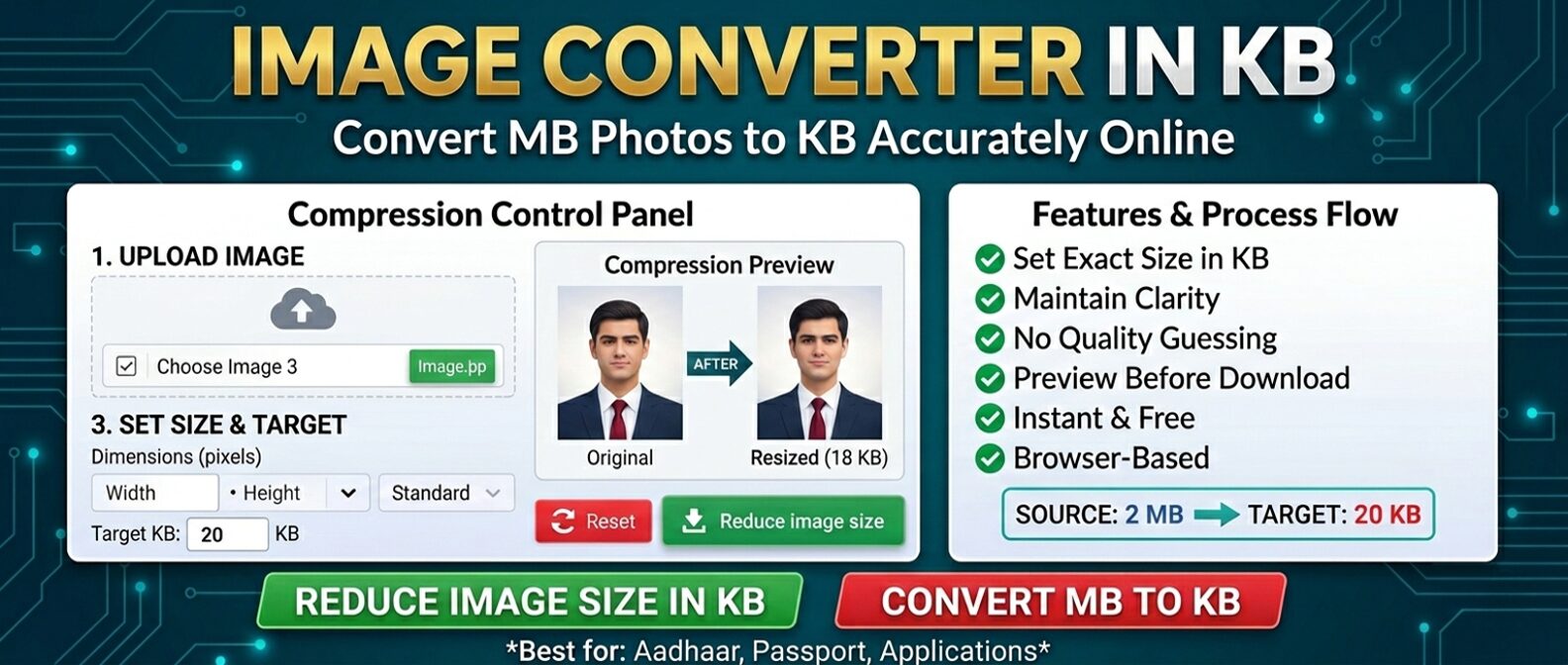
An Image Converter in KB is a powerful online tool that helps you reduce image size in KB for exact upload requirements. Many websites, government forms, and job portals require images in specific sizes like 20KB, 50KB, 75KB, 100KB, 150KB, 175KB, or 200KB.
With this image resizer in KB, you can easily convert image MB to KB, control output size, and download optimized images instantly without losing quality.
What is an Image Converter in KB?
An image converter in KB is a tool designed to compress and resize images so that the final file size matches a specific KB requirement.
This tool is perfect for:
- Government exam forms (SSC, UPSC, RRB)
- Job applications and bank exam uploads
- Online document submissions
- Passport, PAN, and ID verification systems
Key Features of Image Converter in KB
- Exact KB Size Control – Convert images to precise KB limits
- Smart Compression – Maintain best quality
- Live Preview – Compare original and resized images
- Custom Dimensions – Set width and height manually
- Secure Processing – Works inside your browser
- Fast & Free – No signup required
How to Reduce Image Size in KB
- Upload your image from your device
- Select a preset KB size (20, 50, 75, 100, 150, 175, 200 KB) or enter custom KB
- Adjust dimensions (optional) with lock aspect ratio
- Click "Convert to KB" to compress
- Download your resized image instantly
The tool uses advanced image compression to balance quality and size.
⚡ Why Use This Image Converter in KB?
- No trial & error – Accurate results every time
- No quality loss – Smart optimization
- Works on all devices – Desktop, tablet, mobile
- Unlimited usage – No restrictions
📄 Best Use Cases
This image converter to KB is widely used for:
- SSC, UPSC, RRB exam forms
- Bank PO and clerk application
- Passport & PAN card submissions
- Student and college submissions
🔒 Safe and Secure Image Converter
This Image Converter in KB works completely in your browser. No images are uploaded or stored, ensuring full privacy and security.
FAQs – Image Converter in KB
Upload your image, select or enter your target KB size, and click convert. The tool will compress and download your optimized image instantly.
You can choose from preset sizes: 20KB, 50KB, 75KB, 100KB, 150KB, 175KB, and 200KB. You can also enter any custom KB value.
Yes, it is 100% free with unlimited usage. No registration, no watermarks, and no hidden fees.
No, the tool maintains the best possible quality using smart compression algorithms while meeting your KB target.
Yes, it works perfectly on mobile, tablet, and desktop browsers without any app installation.
Ready to Convert Your Image?
The Image Converter in KB is your go-to solution for fast, accurate, and secure image compression. Whether you need to convert MB to KB for government exams, job applications, or document submissions, this tool ensures your images meet strict size requirements without compromising quality.
Why users love this tool:
✓ Instant KB compression · ✓ No quality loss · ✓ 100% browser-based · ✓ No uploads · ✓ Completely free
Reduce image size in KB online free and complete your uploads with confidence. No registration, no watermarks, no hidden fees — just a simple, reliable tool that works every time.