
DSSSB Photo Resizer

DSSSB Photo Resizer – Resize Photo, Signature & Thumb to Exact Size Online
DSSSB Photo Resizer is a simple and reliable online tool that helps candidates resize their photo, signature, left thumb impression, and right thumb impression to meet official DSSSB (Delhi Subordinate Services Selection Board) application requirements. Many applicants face rejection due to incorrect DSSSB photo size, format, or dimensions.
With this tool, you can easily resize image for DSSSB without any technical knowledge while ensuring accurate results. It ensures your photo, DSSSB signature size, and thumb impressions stay within the required file size range while maintaining good quality.
DSSSB Photo, Signature & Thumb Size Requirements (2026)
Before submitting your application, make sure your images meet the required specifications. Incorrect file size or format may lead to rejection.
| Image Type | Dimensions (px) | Physical Size | File Size | Format | Resolution |
|---|---|---|---|---|---|
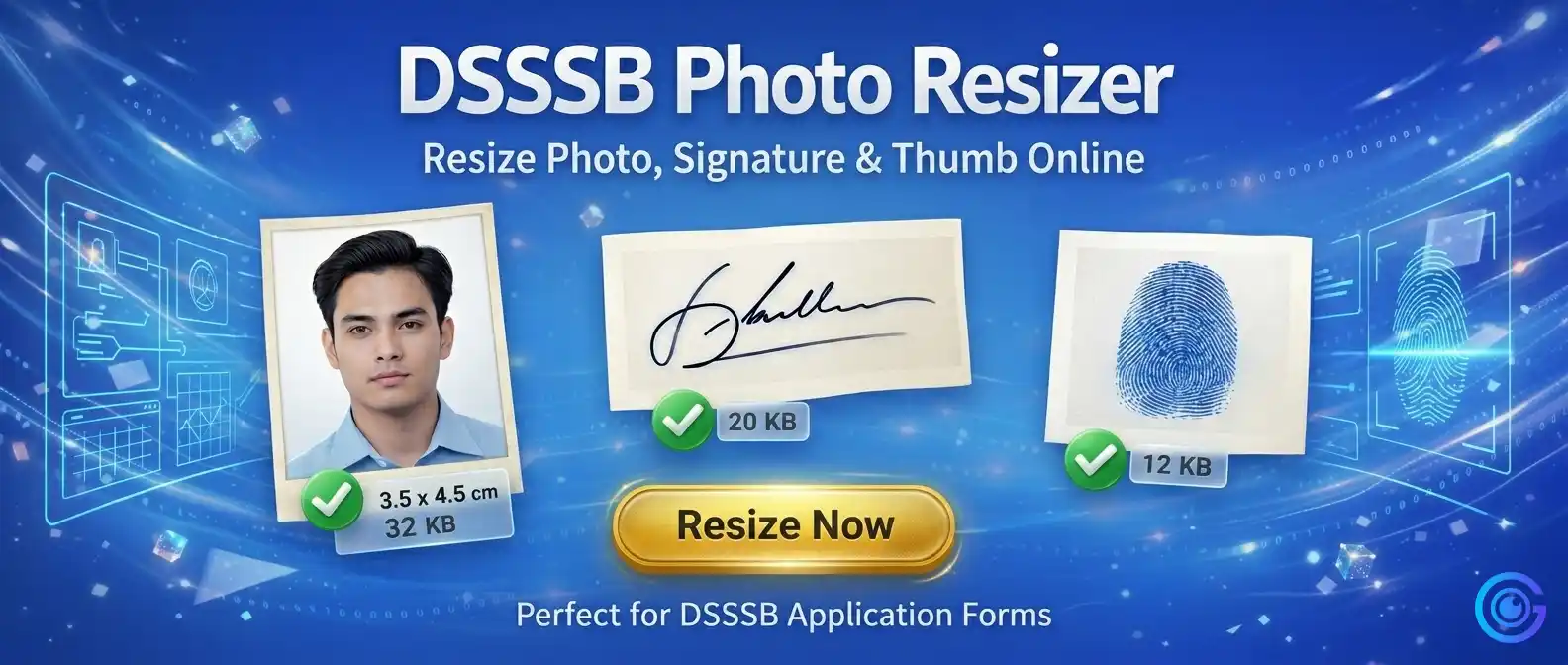
| Photo (Required) | 480 × 672 px | 5 × 7 inches | 10KB – 300KB | JPG/JPEG | 200 DPI recommended |
| Signature (Required) | 140 × 110 px | 1.4 × 1.1 inches approx. | 5KB – 40KB | JPG/JPEG | 200 DPI recommended |
| Left Thumb Impression (Optional) | 140 × 110 px | 1.4 × 1.1 inches approx. | 5KB – 40KB | JPG/JPEG | 200 DPI recommended |
| Right Thumb Impression (Optional) (New) | 140 × 110 px | 1.4 × 1.1 inches approx. | 5KB – 40KB | JPG/JPEG | 200 DPI recommended |
📄 All specifications are based on the official DSSSB 2026 application guidelines. For complete details, visit the DSSSB official website.
How to Resize Photo for DSSSB (Step-by-Step Guide)
- Upload your photo (480×672 px), signature (140×110 px), left thumb, or right thumb impression
- Adjust file size according to DSSSB requirements (Photo: 10-300 KB, Signature/Thumb: 5-40 KB)
- Preview the image for clarity and dimensions
- Download the resized image instantly as JPG/JPEG
⚠️ Common Errors While Uploading DSSSB Images
- Incorrect file size (Photo >300KB or <10KB)
- Wrong format (PNG instead of JPG/JPEG)
- Blurred or unclear image
- Improper cropping (wrong aspect ratio)
- Low resolution (<200 DPI)
💡 Tips to Avoid Rejection
- Use clear passport-size photo (480×672 px)
- White or light background recommended
- No shadows or blur on signature/thumb
- Face clearly visible in photo
- Ensure thumb impressions are clear and centered
🏆 Why Use This DSSSB Photo Resizer?
- 100% free and easy to use
- Instant resizing as per DSSSB 2026 specs
- No technical knowledge needed
- Works on mobile, tablet & desktop
- Supports Left & Right Thumb impressions
⚡ Key Benefits
- Exact DSSSB 2026 size support (480×672 px, 140×110 px)
- Smart compression to meet file size limits
- Auto JPG/JPEG conversion
- Instant download without quality loss
- 200 DPI resolution maintained
🔒 Safe and Secure Tool
This DSSSB Photo Resize tool works fully in your browser. Your images are never uploaded or stored on any server. All processing happens locally on your device.
📄 Best Use Cases
- DSSSB 2026 exam form submissions
- Government job applications under DSSSB
- Document verification uploads
- Profile photo submissions for recruitment
- Both left and right thumb impression uploads
Frequently Asked Questions (FAQs)
DSSSB photo size should be 480 × 672 pixels (5 × 7 inches) with file size between 10KB to 300KB in JPG/JPEG format at 200 DPI resolution.
Signature size should be 140 × 110 pixels with file size between 5KB to 40KB in JPG/JPEG format at 200 DPI resolution.
Both left and right thumb impressions are optional but recommended. They should be 140 × 110 pixels, 5-40 KB file size in JPG/JPEG format.
Yes, it is completely safe. Your images are processed locally in your browser and never uploaded to any server. No data leaves your device.
200 DPI is recommended for all DSSSB images (photo, signature, and thumb impressions) to ensure clear quality.
Ready to Prepare Your DSSSB 2026 Application Images?
The DSSSB Photo Resizer helps you quickly resize your photo (480×672 px, 10-300 KB), signature (140×110 px, 5-40 KB), left thumb, and right thumb impression as per official 2026 guidelines. Uploading the correct images is a crucial step in the DSSSB application process. Using a reliable DSSSB photo resizer ensures your images meet all requirements and helps you avoid rejection.
Why users love this tool:
✓ Instant resizing · ✓ No quality loss · ✓ 100% browser-based · ✓ No uploads · ✓ Completely free · ✓ Supports all 4 image types
Resize your DSSSB photo, signature, left thumb, and right thumb impression online free and complete your application with confidence. No registration, no watermarks, no hidden fees — just a simple, reliable tool that works every time.