
WEBP to JPG Image Converter – Convert WEBP to JPG Online Free
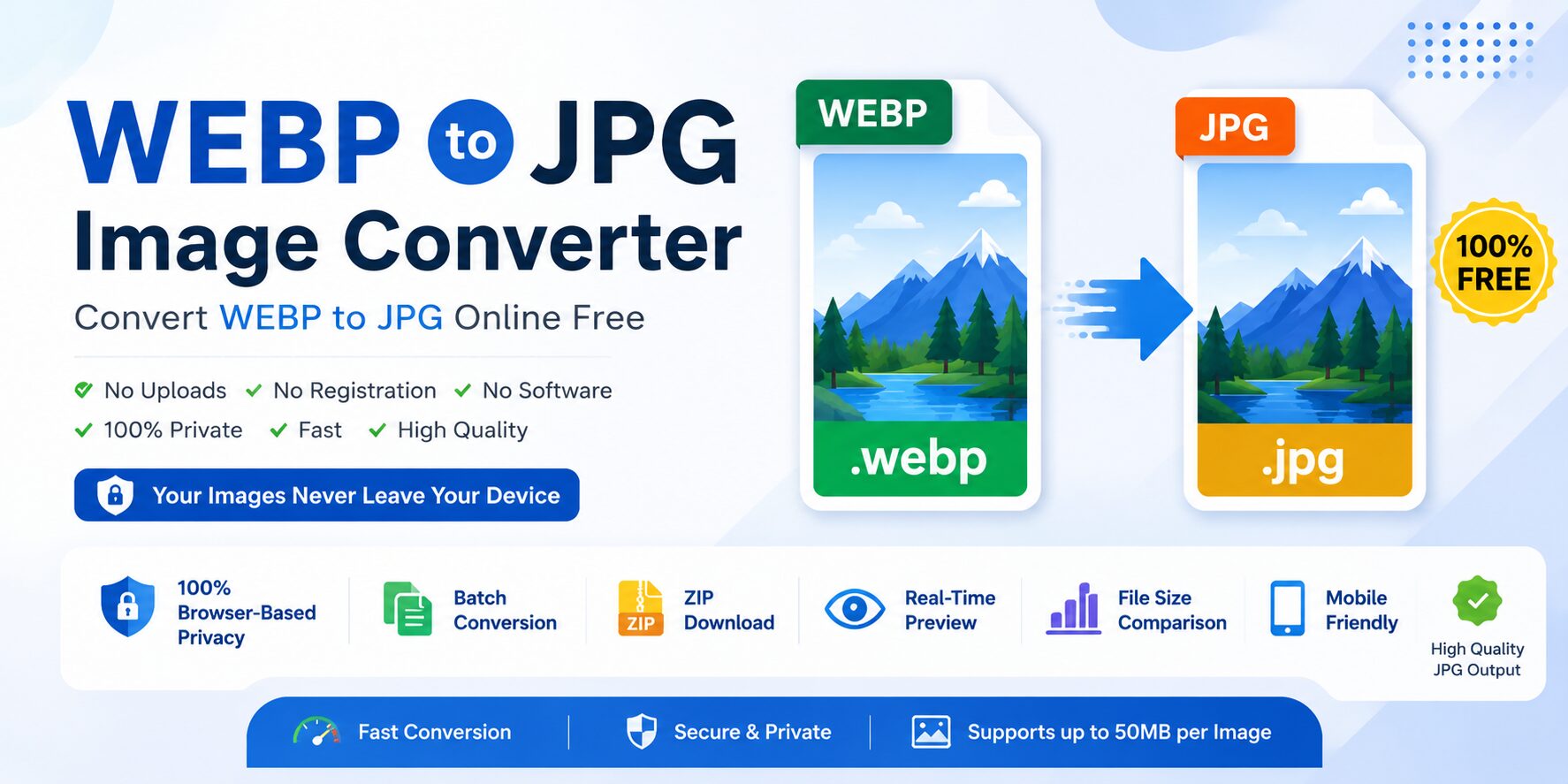
WEBP to JPG Image Converter helps you transform WEBP files into high-quality JPG format instantly. Our free online tool lets you convert images without installing software or uploading to any server. Whether you are a designer, blogger, social media manager, or regular user, this tool makes image conversion simple, secure, and fast.
WEBP is a modern image format developed to reduce file sizes while maintaining good quality. Although WEBP works well for websites, many older devices, applications, and online platforms still do not fully support it. This is why many people need to convert WEBP images into JPG format for better compatibility and easier sharing.
Our tool works completely inside your browser using client-side processing. Your images never leave your device, making it a truly privacy-focused solution. No uploads, no signup, and no hidden restrictions — just fast and secure conversion. If you also need to convert PNG files, check out our PNG to JPG Converter for similar high-quality results.
Why Convert WEBP to JPG?
WEBP is excellent for websites, but JPG remains one of the most widely accepted image formats across the internet and software platforms. Converting WEBP images to JPG can help solve compatibility issues and make image sharing much easier.
Better Compatibility
JPG works on virtually all devices, browsers, image viewers, and editing software, including older systems that may not support WEBP files properly.
Universal Support
Many websites, online forms, apps, and content management systems still prefer JPG images over WEBP.
Easier Email & Social Media Sharing
JPG images are commonly accepted for email attachments, messaging apps, and social media uploads without compatibility issues.
Works with All Image Editors
Popular editing software like Photoshop, Paint, Canva, and many mobile apps support JPG natively.
Key Features of This Converter
100% Browser-Based Privacy
This tool processes images directly inside your browser. Your files never leave your device, ensuring maximum privacy and security.
Batch Conversion & ZIP Download
Convert multiple WEBP images at once. Download all converted JPG images together as a ZIP file for convenience.
Real-Time Preview
Preview original WEBP images and converted JPG files side by side before downloading.
Mobile Friendly Design
The converter works perfectly on Android, iPhone, tablets, laptops, and desktop devices.
100% Free
Use this free tool without registration, subscriptions, or hidden fees.
Fast Processing
Images are converted instantly using optimized browser technology for fast performance.
Drag & Drop Upload
Simply drag WEBP files into the upload area for quick conversion.
Optimized JPG Quality
Our tool uses 92% JPG quality output for the best balance between image quality and file size.
How to Convert WEBP to JPG
- Drag and drop your WEBP files or click the upload button to select images from your device
- Click on the Convert to JPG button — the tool instantly processes your WEBP files directly in your browser
- Download converted JPG images individually or download all files together as a ZIP archive
That's it — fast, secure, and easy image conversion.
WEBP vs JPG – What's the Difference?
| Feature | WEBP | JPG |
|---|---|---|
| Compression | Modern & efficient | Standard compression |
| File Size | Smaller | Medium |
| Transparency | Supported | Not supported |
| Browser Support | Modern browsers | Universal support |
| Editing Compatibility | Limited in some apps | Works everywhere |
| Best Use | Websites & optimization | Sharing & compatibility |
🔒 Privacy & Security – Your Images Stay on Your Device
Privacy is one of the biggest advantages of this tool.
Unlike many online tools that upload files to remote servers, our converter uses fully client-side processing. This means:
- Images are processed locally in your browser
- No files are uploaded to servers
- No image storage
- No image sharing
- No tracking of your uploaded files
Your images remain private at all times, making this tool ideal for sensitive or personal images.
What About Transparent WEBP Images?
WEBP supports transparent backgrounds, but JPG format does not support transparency. When you convert a transparent WEBP image into JPG format, the transparent areas are automatically replaced with a white background. This is standard behavior for all WEBP to JPG conversions because JPG files cannot store transparent pixels.
- Transparent logos become logos with white backgrounds
- Transparent icons receive white background fill
- Transparent design elements become solid white in JPG format
This conversion process ensures compatibility with all devices and software.
Benefits of Using This Tool
- No software installation required
- No registration or signup needed
- Works directly in your browser
- Supports batch conversion
- ZIP download for multiple files
- Fast conversion speed
- Mobile responsive interface
- No watermarks on images
- High-quality JPG output
- Free forever
Frequently Asked Questions (FAQs)
Yes, the tool is completely free to use with no registration or subscription required.
No. Images are processed directly in your browser. Your files never leave your device.
Yes, the tool supports batch conversion and ZIP download functionality.
JPG format does not support transparency. Transparent areas become white during conversion.
The converter uses optimized 92% JPG quality settings to maintain excellent image quality.
Yes, it works on mobile phones, tablets, laptops, and desktop browsers.
Each WEBP image can be up to 50MB in size.
Ready to Use a WEBP to JPG Image Converter?
This tool makes image conversion fast, secure, and effortless. Convert WEBP images into universally compatible JPG files directly in your browser without uploads or software installation.
Why users love this tool:
✓ 100% browser-based privacy · ✓ Batch conversion · ✓ ZIP downloads · ✓ Mobile friendly · ✓ High-quality output · ✓ Completely free
Start using this free WEBP to JPG converter today and enjoy fast, secure, and hassle-free image conversion anytime, anywhere.