
50KB Image Resizer
Image Preview

Dimensions (pixels)
50KB Image Resizer Online Free
50KB Image Resizer is a simple solution for users who need to meet strict image size limits. If you want to resize image to 50KB for a government form, job application, or exam portal, this tool helps you do it instantly without reducing quality.
This tool allows you to compress image to 50KB and reduce image size in KB directly in your browser. It works as an easy image converter, removing the need for complex editing software.
It is especially useful for students and job applicants who need accurate file sizes for official submissions.
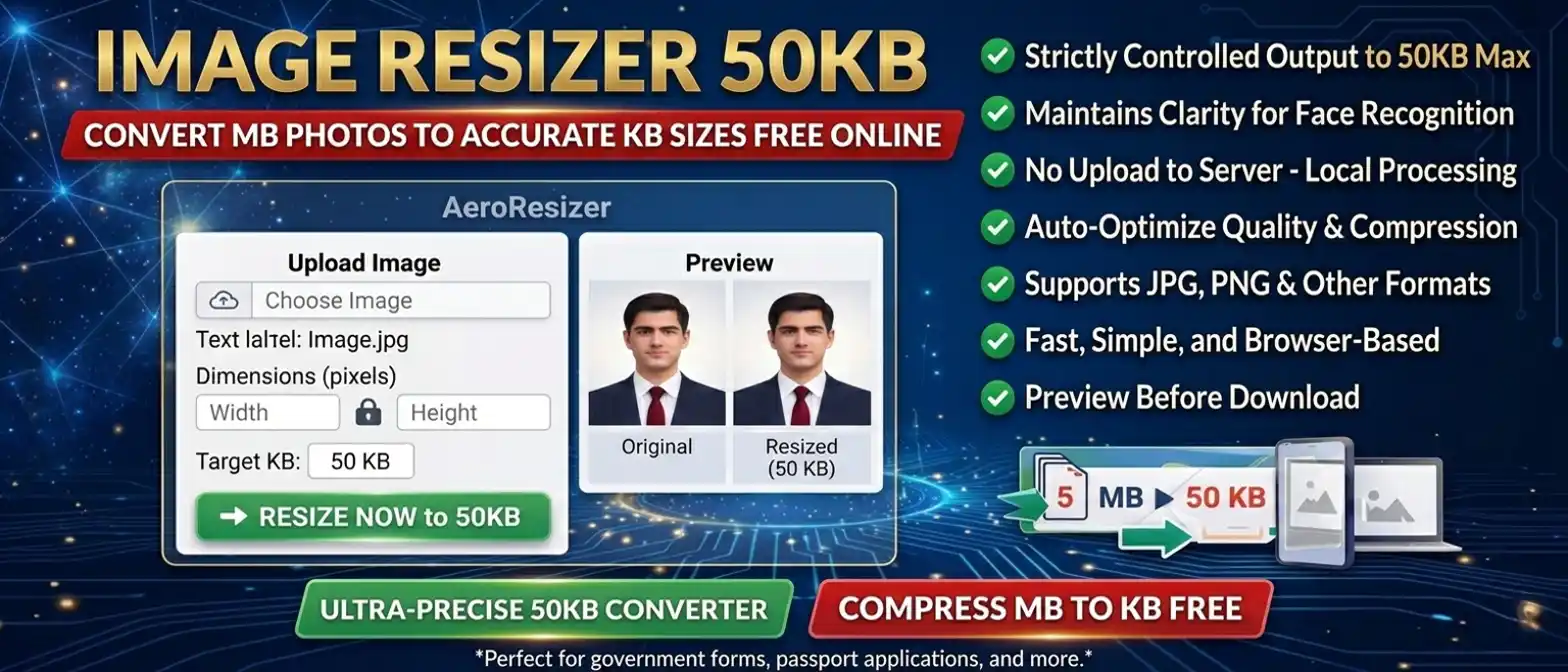
How to Resize Image to 50KB Online
- Upload your image file
- Select or enter the target size as 50KB
- Click on the resize button
- Download your resized image instantly
The tool uses advanced image compression to balance quality and size.
Resize Image to 50KB Without Losing Quality
The 50KB Image Resizer uses smart compression techniques to maintain image clarity while reducing file size. It balances resolution and compression levels to achieve the best result.
You can resize image to 50KB for JPG, JPEG, and PNG formats without noticeable quality loss, making it ideal for official use.
Why 50KB Image Size is Useful
50KB is commonly required for online uploads where file size limits are strict. It ensures that images remain lightweight while still maintaining basic clarity.
Using a 50KB Image Resizer helps maintain readable details while keeping file size within allowed limits.
📄 When to Use 50KB Image Resizer
- Government application forms
- Online job applications
- Exam registrations (SSC, RRB, banking)
- College admission forms
- ID and profile photo uploads
🖼️ Supported Image Formats
- JPG / JPEG
- PNG
- WebP (optional)
⚡ Why Choose This Tool?
- Accurate file size control
- Fast and simple process
- No software installation required
- Works on mobile and desktop
- Free to use
⚠️ Common Issues While Resizing Images
- File size remains too large
- Image quality becomes blurry
- Incorrect file format
- Upload requirements not met
🔒 Safe and Secure Image Resizing Tool
This 50KB Image Resizer works entirely in your browser. No images are uploaded or stored, ensuring complete privacy and security.
FAQs About 50KB Image Resizer
Upload your image and use the tool to resize image to 50KB instantly.
Smart compression automatically adjusts image quality and resolution for best results.
Yes, all processing happens locally in your browser and no files are uploaded.
JPG or JPEG format is recommended for better compression and compatibility.
A small variation may occur due to compression limits and image complexity.
Ready to Resize Your Image?
The 50KB Image Resizer is your go-to solution for fast, accurate, and secure image compression. Whether you're preparing for government exams, job applications, or document submissions, this tool ensures your images meet strict size requirements without compromising quality.
Why users love this tool:
✓ Instant 50KB compression · ✓ No quality loss · ✓ 100% browser-based · ✓ No uploads · ✓ Completely free
Resize image to 50KB online free and complete your uploads with confidence. No registration, no watermarks, no hidden fees — just a simple, reliable tool that works every time.