
DPI Converter Online – Change Image DPI to 300 DPI Free
DPI Converter Online is a simple and free tool that lets you change the DPI (dots per inch) of your image without using complicated software. Whether you need 300 DPI for printing, 96 DPI for digital use, or any other value, this tool can help.
Many websites and document submission portals require images at a specific DPI such as 72, 96, 150, 200, 300, or 600 DPI. If your image has the wrong DPI, you can use this online DPI converter to adjust the resolution metadata to the required value.
What is a DPI Converter?
A DPI Converter is an online tool that allows you to change the DPI or resolution information associated with an image. DPI stands for Dots Per Inch and is commonly used to describe the resolution of an image for printing and document-related purposes.
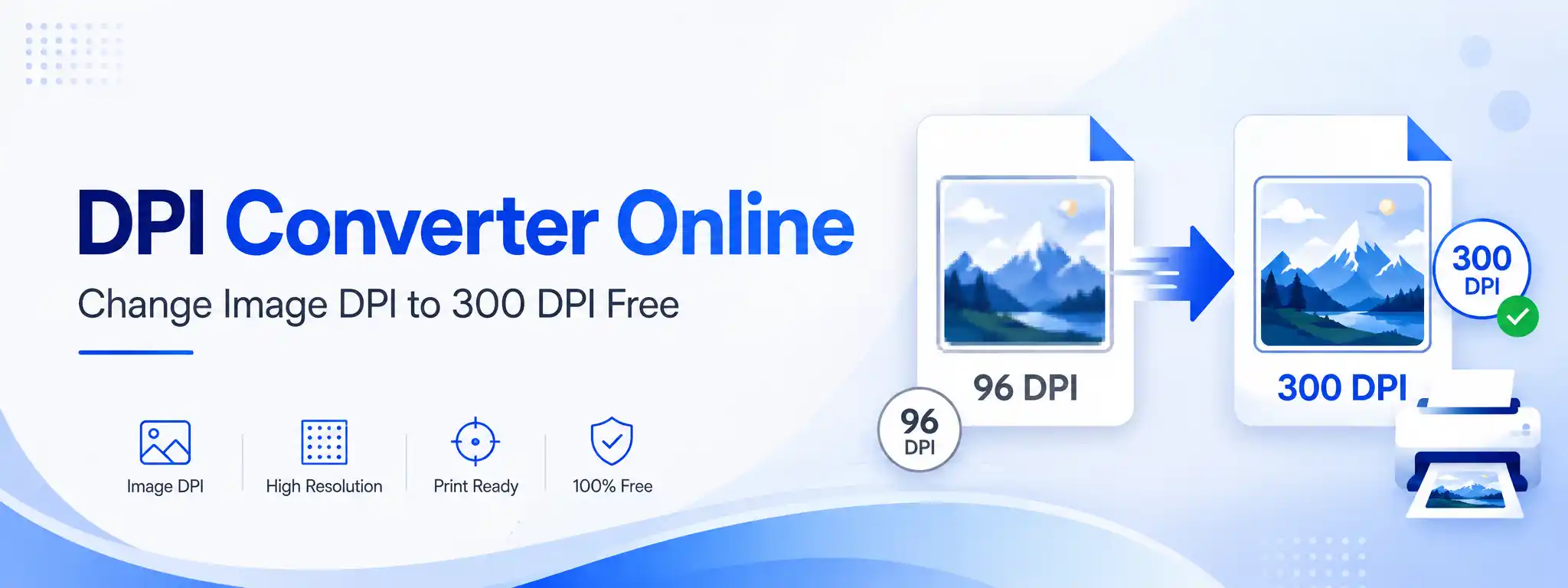
For example, if your image is currently set to 96 DPI and you need it at 300 DPI, you can use this DPI Converter Online to change the resolution setting to 300 DPI. This can be useful when a form, printing service, or application specifies a particular DPI value.
Can I Convert an Image to 300 DPI Online?
Yes, you can easily convert image to 300 DPI using this online DPI converter. 300 DPI is a common resolution setting for high-quality printing and many document requirements. It means that for every inch of the printed image, there will be 300 dots (or pixels) per inch.
To convert your image to 300 DPI, upload it, select 300 DPI from the options, and click Convert DPI. The tool will update the DPI metadata. However, it is important to understand that changing the DPI setting alone does not alter the actual pixel dimensions of the image; a low-resolution image set to 300 DPI will not become a high-quality image. DPI is just a resolution tag, not a magic enhancer.
How to Change Image DPI Online?
Changing image DPI does not require complicated image-editing software. With a DPI Converter Online, you can quickly set the required DPI value in a few steps.
- Upload your JPG, JPEG, PNG, or WEBP image using the converter above.
- Check the current DPI displayed by the tool.
- Select a preset DPI (72, 96, 150, 200, 300, 600) or enter a custom value.
- Click the Convert DPI button.
- Download your converted image.
You can use the same process to change an image to 72 DPI, 96 DPI, 150 DPI, 200 DPI, 600 DPI, or any custom DPI value you need.
Common DPI Values for Images
Different applications may suggest different DPI values. The table below shows some commonly used DPI values and their typical use cases. Always check the instructions provided by the website, application, organization, or printing service before selecting a DPI.
| DPI | Common Use |
|---|---|
| 72 DPI | Screen/web graphics |
| 96 DPI | Digital documents and screens |
| 150 DPI | Basic printing |
| 200 DPI | General document printing |
| 300 DPI | High-quality printing and many document requirements |
| 600 DPI | Detailed printing/scanning workflows |
Does Changing DPI Increase Image Quality?
No. Changing the DPI value alone does not automatically increase the actual quality or pixel resolution of an image. For example, an image that is 1200 × 1600 pixels can be set to 300 DPI without changing its pixel dimensions; the image still contains 1200 × 1600 pixels. DPI mainly provides information about how the image should be interpreted for printing or other resolution-sensitive purposes.
If you need more actual image detail, simply changing the DPI value will not create new image information. To truly increase resolution, you would need to resample or re-capture the image at a higher resolution.
DPI vs Pixel Dimensions
Pixel dimensions describe the actual number of pixels in an image, such as 1200 × 1600 pixels. DPI describes the resolution setting associated with the image, such as 300 DPI. These are related but different concepts.
When you use this DPI converter to change only the DPI metadata, the pixel dimensions remain unchanged. For example, a 1200 × 1600 pixel image will remain 1200 × 1600 pixels after its DPI is changed from 96 to 300. This distinction is important when preparing images for online forms, printing, or document submission.
Why Use Our DPI Converter?
Our DPI converter online is designed for users who only need to change an image's DPI without using complicated image-editing software. Key benefits include:
✅ Key Benefits
- Free online DPI converter
- Simple and easy to use
- Change image DPI quickly
- Supports JPG, JPEG, PNG, WEBP
- Preset and custom DPI options
- Works on mobile and desktop
- No software installation required
🔒 Privacy First
Images are processed locally in your browser and do not need to be uploaded to our server. This helps keep your personal photos, signatures, and documents private.
For maximum privacy, always use a trusted device and avoid uploading sensitive files to websites you do not trust.
What Image Formats Are Supported?
The DPI converter can process commonly used image formats such as JPG, JPEG, PNG, and WEBP. The available output format may depend on the original image format and browser processing capabilities.
When Should You Use a DPI Converter?
An online DPI converter can be useful when:
- A website asks for a specific DPI
- A document requires a particular image resolution
- You need an image prepared for printing
- Your image has an incorrect DPI value
- You need to change an image to 300 DPI, 200 DPI, or 600 DPI
- You want to change image DPI without complicated software
DPI Converter vs DPI Checker
A DPI Checker and a DPI Converter perform different jobs. A DPI Checker is used to find the current DPI of an image. A DPI Converter Online is used to change the DPI value of an image.
For example, if your image is currently 96 DPI and you need it at 300 DPI, you would use a DPI converter. If you are not sure about your image's current DPI, you can first check it and then use the converter to set the required value.
Frequently Asked Questions (FAQs)
A DPI Converter Online is a tool that allows you to change an image's DPI/resolution setting, often without changing the pixel dimensions when only DPI metadata is modified.
Upload your image to the DPI Converter, select 300 DPI, click Convert DPI, and download the converted image.
Yes. You can upload a supported JPG image and select 300 DPI as the output value.
Yes, supported PNG images can be processed using the converter. The way resolution information is stored can differ between image formats.
No. Changing DPI alone does not increase the actual number of pixels or create additional image detail.
When only the DPI metadata is changed, the pixel dimensions can remain the same. For example, a 1200 × 1600 pixel image can remain 1200 × 1600 pixels after changing its DPI.
Yes. Select 200 DPI from the available options and convert your image.
Yes. If your requirement specifies 600 DPI, select 600 DPI and download the converted image.
Yes. The tool is available online and can be used without installing image-editing software.
Ready to Change Your Image DPI?
Changing image DPI can be useful when preparing photos and documents for online applications, printing, scanning, and other resolution-specific requirements. Our DPI Converter provides a simple way to set the required DPI without complicated image-editing software.
Why users love this tool:
✓ Instant conversion · ✓ Designed to preserve original image quality when pixel dimensions are not changed · ✓ 100% browser-based · ✓ No uploads · ✓ Completely free
Upload your image, select the required DPI, click Convert DPI, and download the result. For checking the existing resolution of an image, you can also use our DPI Checker before converting it.